 Log in
Your FREE daily standup assistant!
Run 15-minute standups that actually take 15 minutes. A timer picks the speakers, one click flags blockers, and the summary lands in your team chat.
Start for freeNo credit card. No trial period. It's just free.
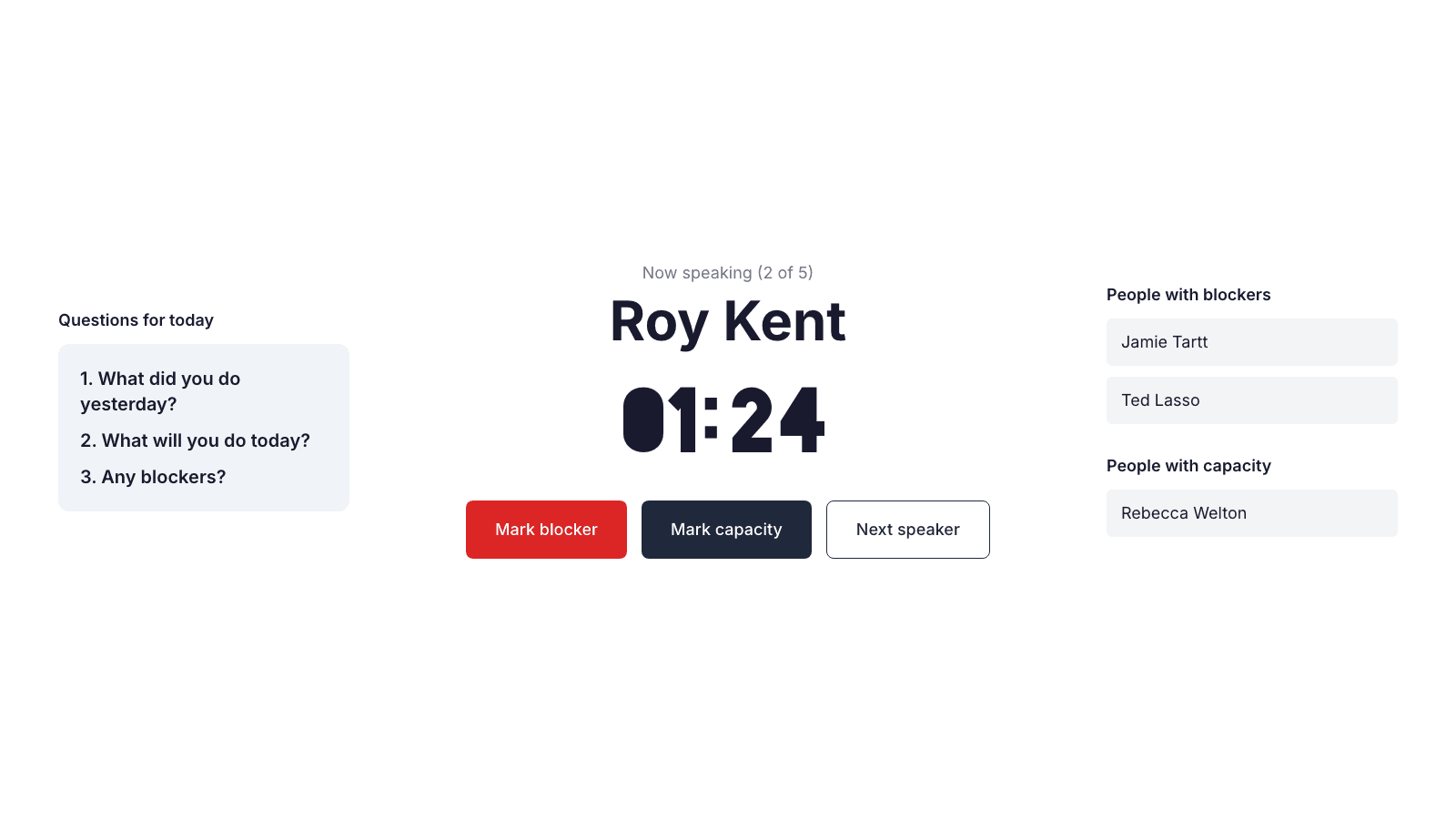
One timer runs the whole meeting
The timer counts down for each speaker, and keeps counting into overtime instead of cutting them off. Nobody plays traffic cop, nobody wonders who goes next.
- Runs into overtime instead of a forced cutoff
- Mark blockers, capacity, and absences with one click
- Keyboard shortcuts control everything, and every one is remappable
Newcomer intros people actually enjoy
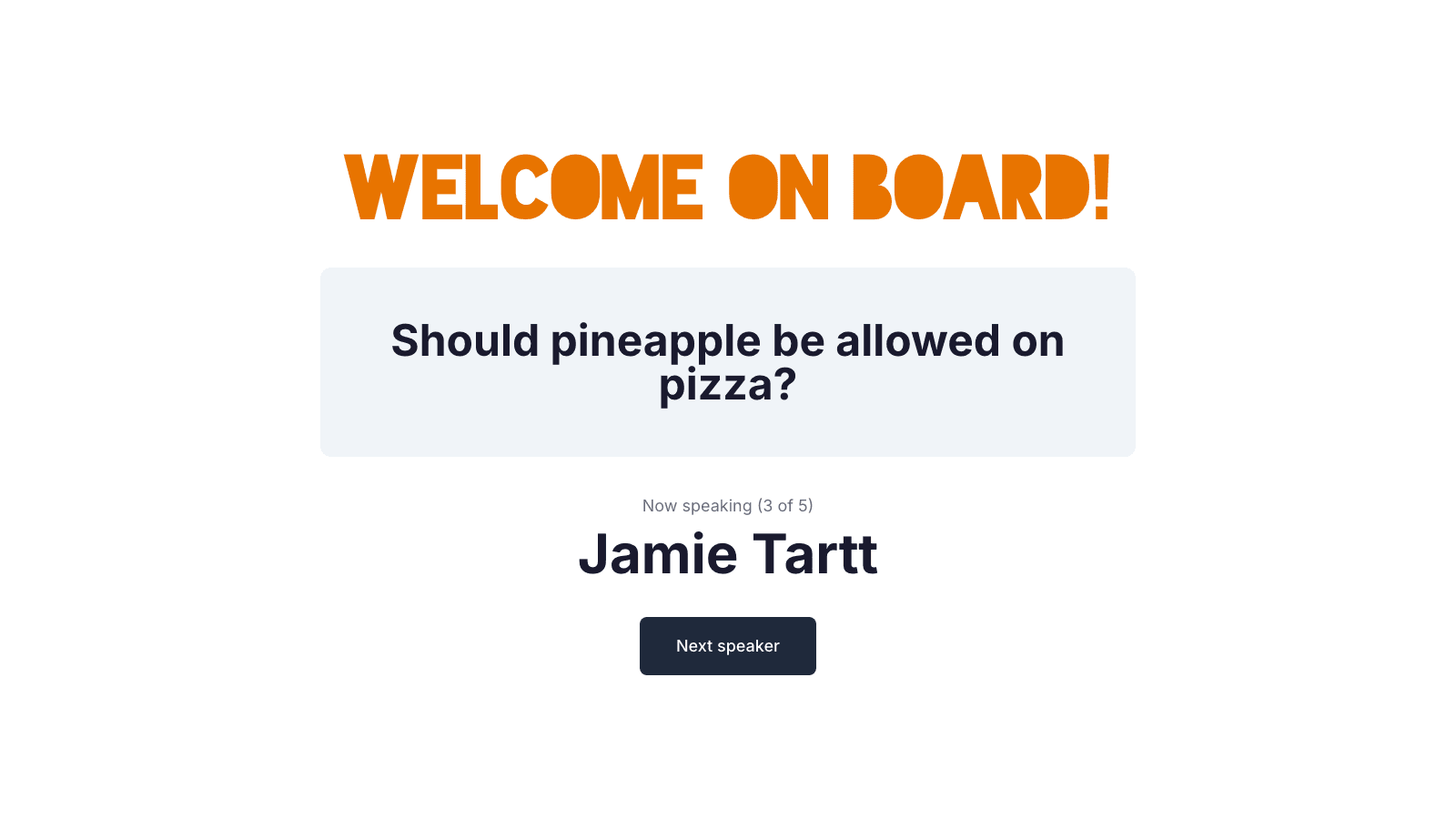
Replace “introduce yourself” with questions people argue about. The flow cycles through every team member, one by one.
- 100 built-in icebreaker questions
- Teammates actually remember the answers
- The new person sees who their teammates really are
Notes without note-taking
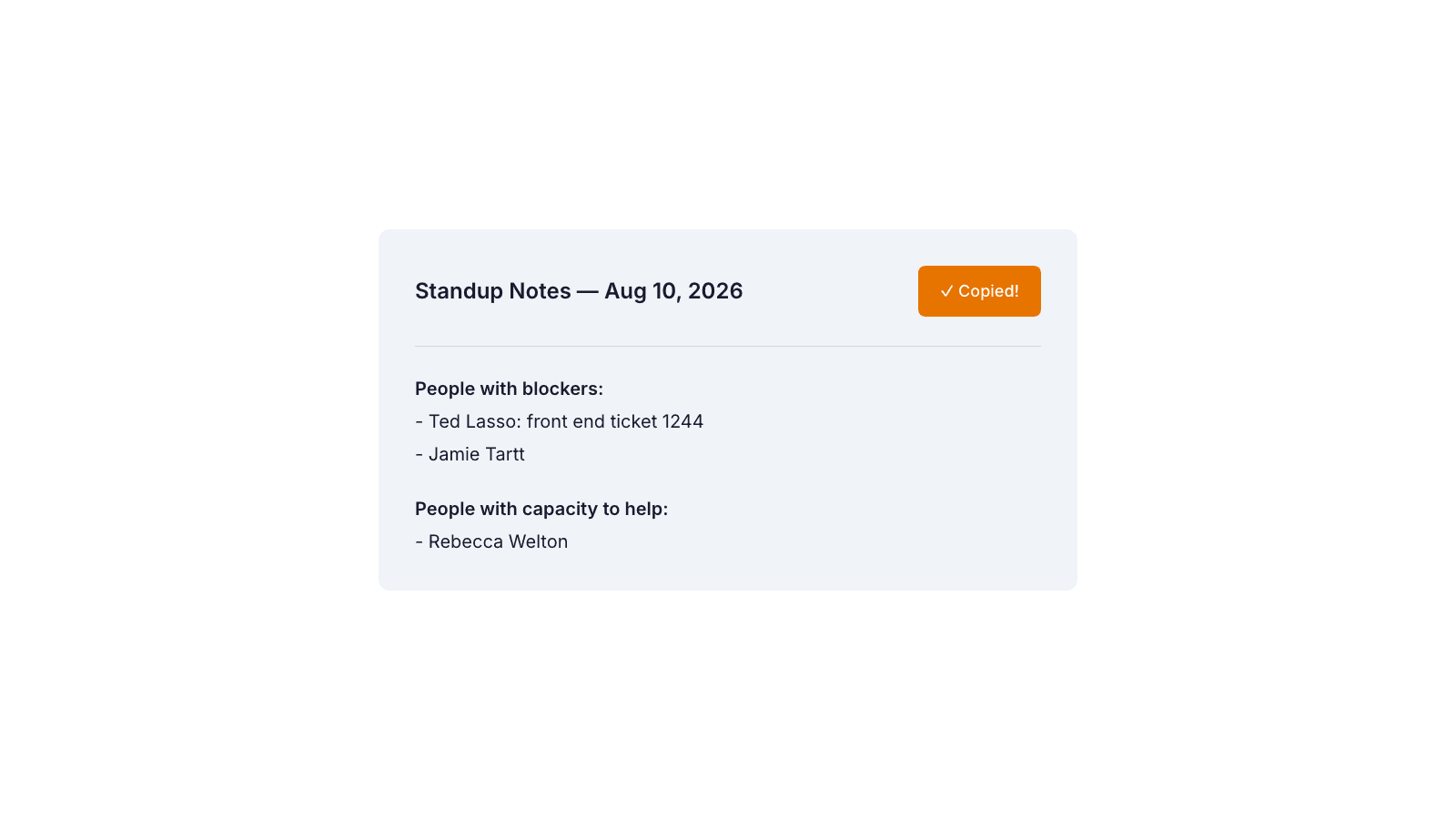
One button copies a clean, formatted summary — who has blockers, who has capacity — ready to paste straight into Slack or Teams.
- Formatted with the date, automatically
- One click, instant visual confirmation
- Nobody has to take notes during the meeting
Never run out of icebreakers
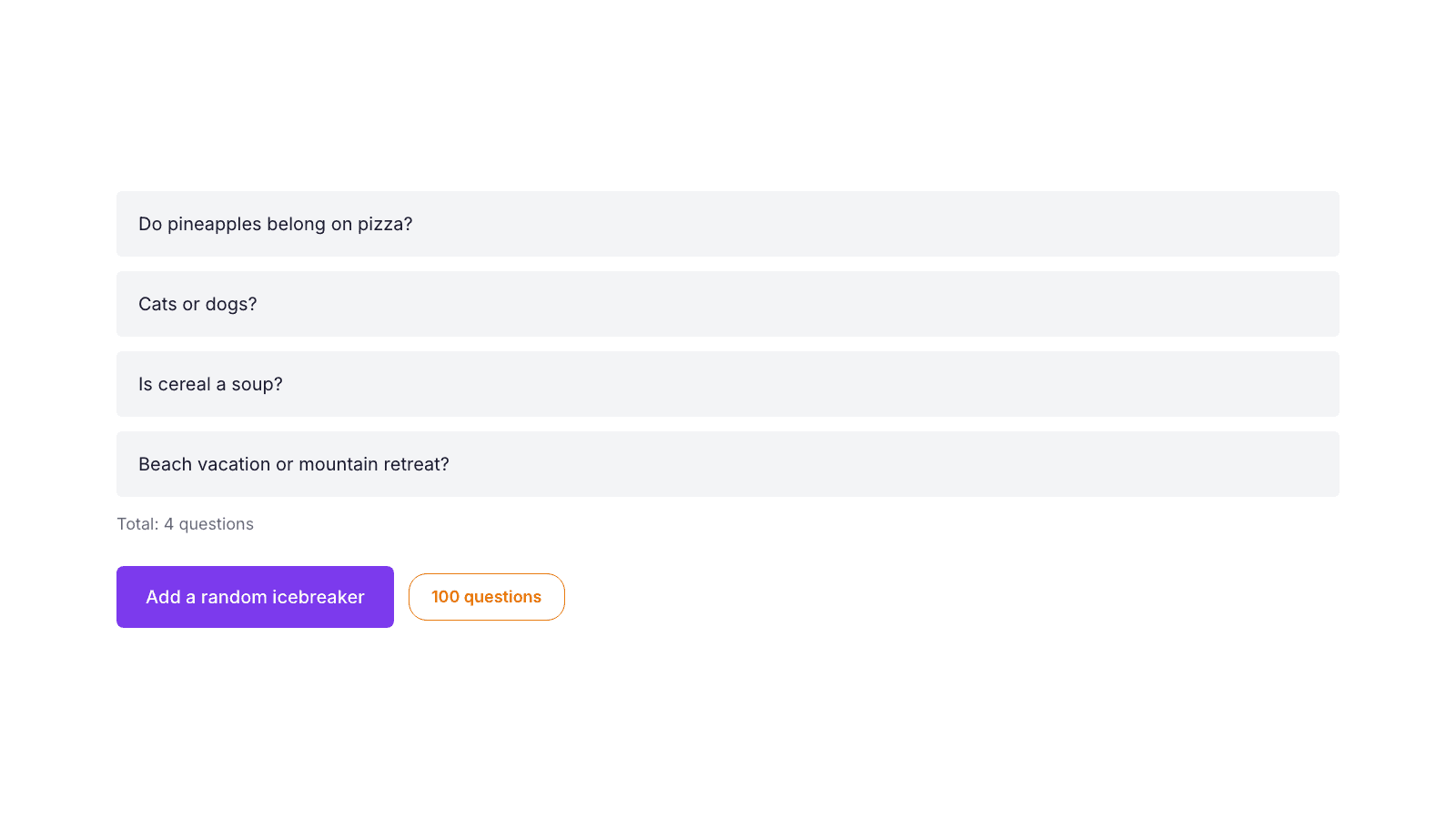
Pick from a curated pool of 100 questions, checked for duplicates, so "introduce yourself" never gets stale.
- 100 questions, zero repeats
- Food debates, hypotheticals, quirky opinions
- Filters out questions you already added
What's new
See the patterns, not just the meeting
Average standup length, who tends to run long, who's been missing — tracked automatically, with quick filters for this week, last month, all time, or a custom range.
Blockers you can actually track
Drag a blocker from New to Resolved like a real board. Leave a comment, come back to it tomorrow — nothing gets lost in yesterday's meeting.
Ask an AI assistant about your team
Connect Claude or any compatible assistant and ask “what blockers are still open” or “how has our standup length trended” — it reads straight from your data.
Installs on your phone’s home screen. No app store needed.
Free. No credit card, no trial period, no per-seat pricing.